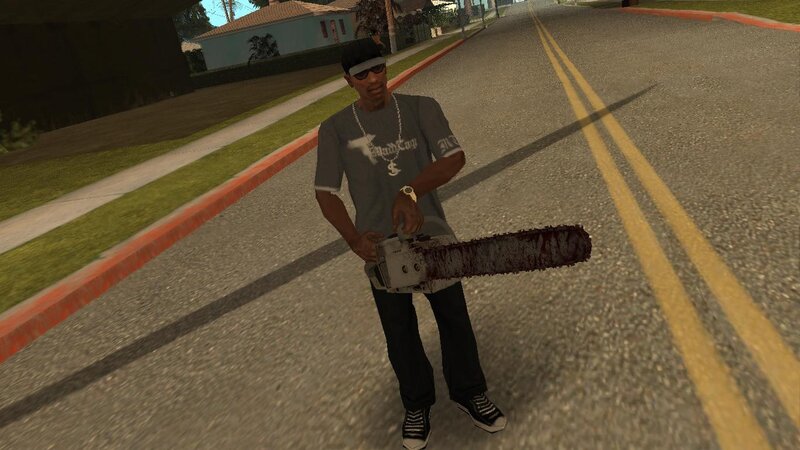
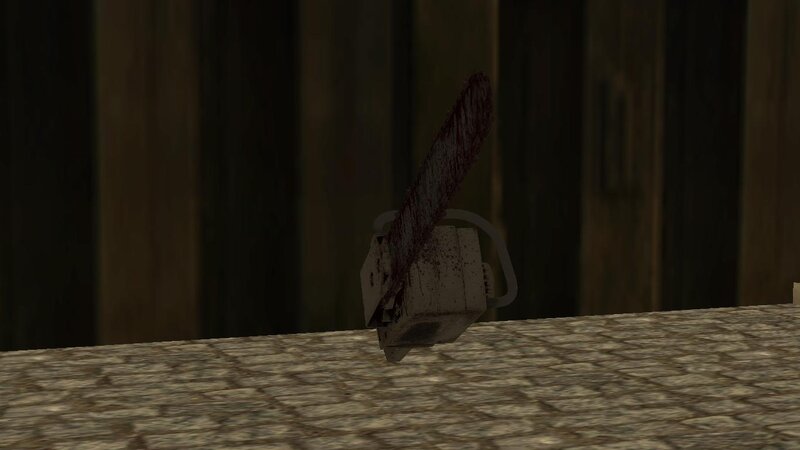
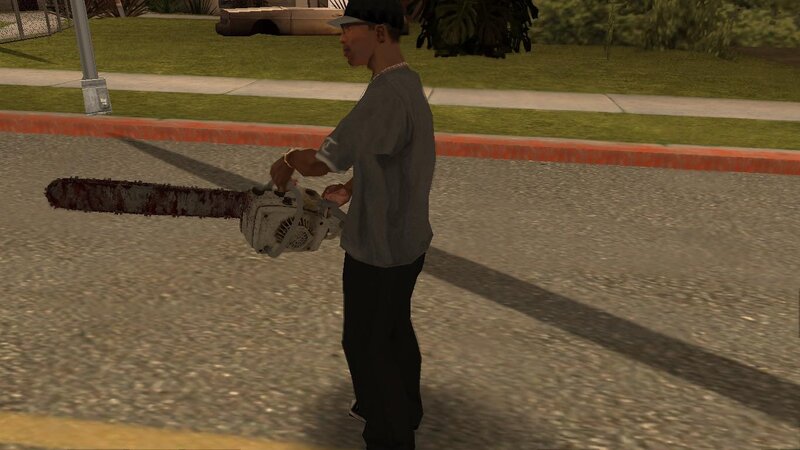
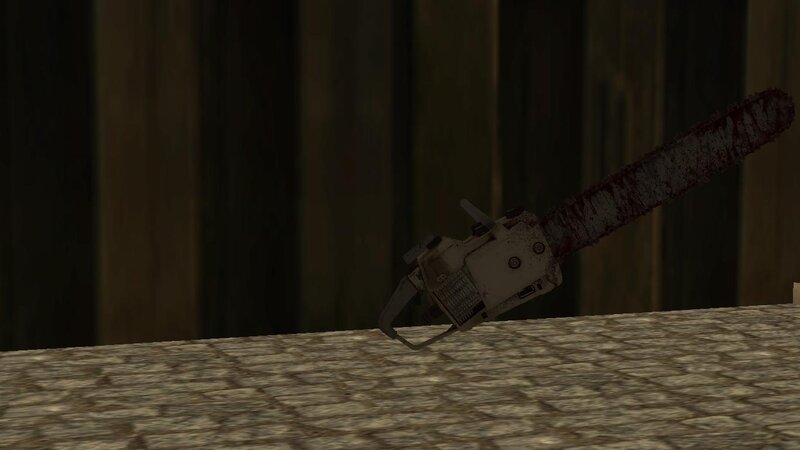
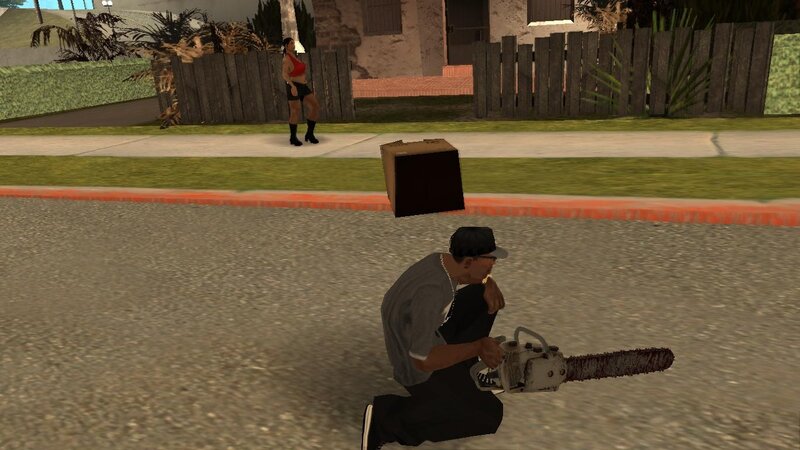
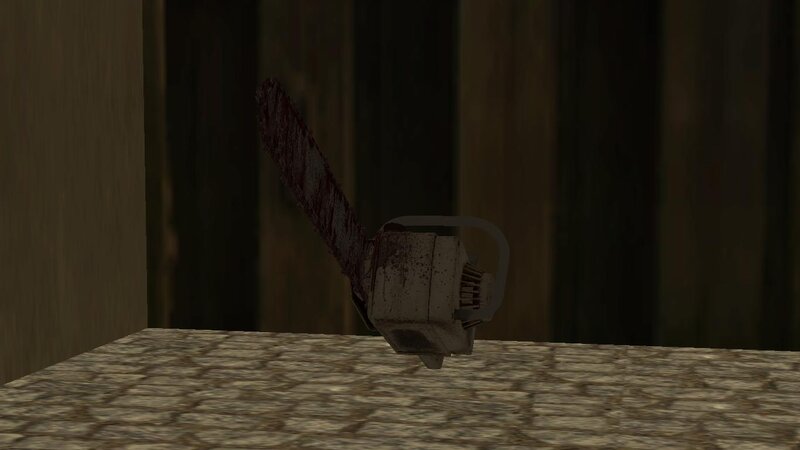
The chainsaw from Resident Evil Requiem for GTA San Andreas.
Features:
-High quality textures and models.
-Compatible with both PC and Android.
INSTALLATION INSTRUCTIONS:
For PC:
1-Make a backup copy of your game files before starting the installation.
2-Use the "IMG TOOL" program and go to the path:(C, D, E... etc.)\GTA San Andreas\models\gta3.img.
3-In the gta3.img file, find chnsaw.dff and chnsaw.txd, replace them with new files from the archive.
4-Go to the data folder and replace weapon.dat file.
For ANDROID:
1-Using the "GTA IMG Tool" open the path:Android/data/com.rockstargames.gtasa/files/texdb/.
2-In the gta3.img file, replace chnsaw.dff.
3-Use the "TXD Tool" to open gta3.txt, select "Import from TXD archives" and go to the data folder to replace the old files.
4-Launch the game and enjoy
For ANDROID 11 and above users:
1-To install and run the mods, you must first use a GTA application with full system file access privileges. You also need a file manager that supports this feature to transfer the necessary files.
2-Now navigate to the game folder and copy the "Texdb" folder. Move it outside the system root to bypass the block. Create a folder to place the copied file in.
3-Now you can add the modification as usual. Once finished, move the file to the game folder and make sure the process was completed correctly.
4-Finally, launch the game and enjoy!
Notes:
-For android when you import the textures make you sure slected (Correct capital letters in name).
|
 More
More
 The Chainsaw From Resident Evil Requiem for Mobile