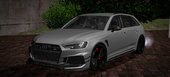
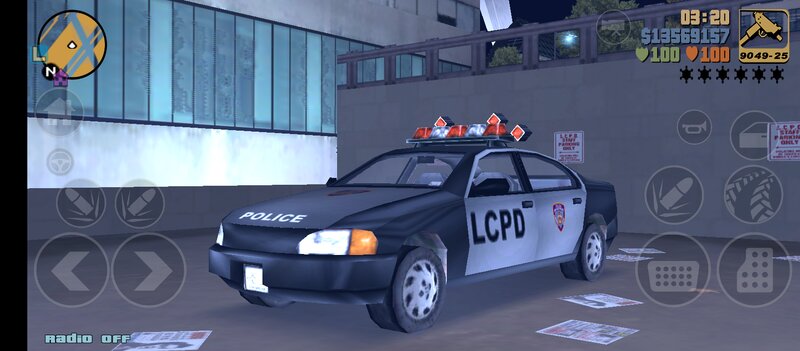
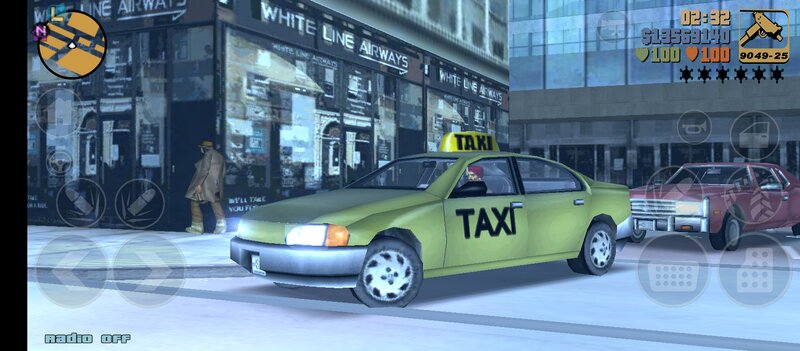
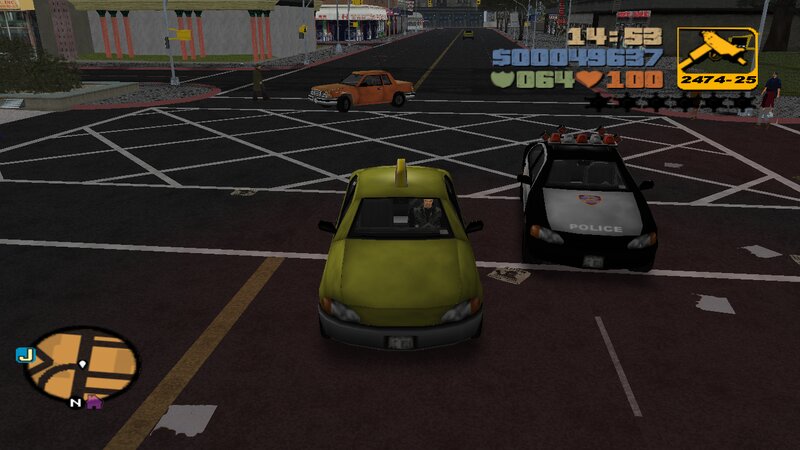
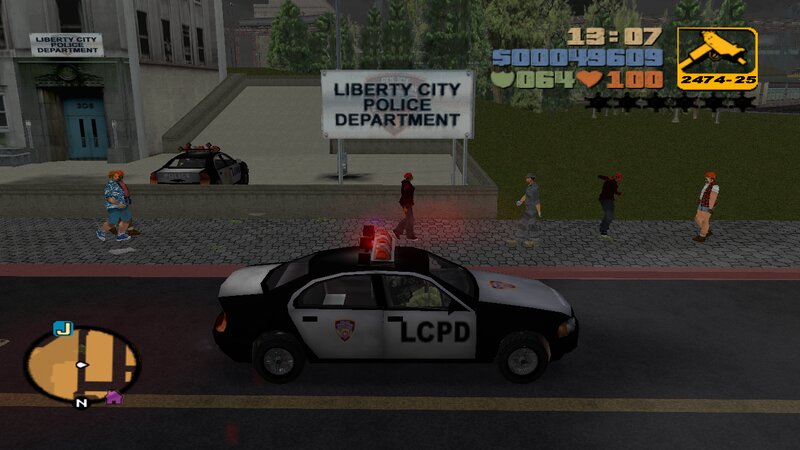
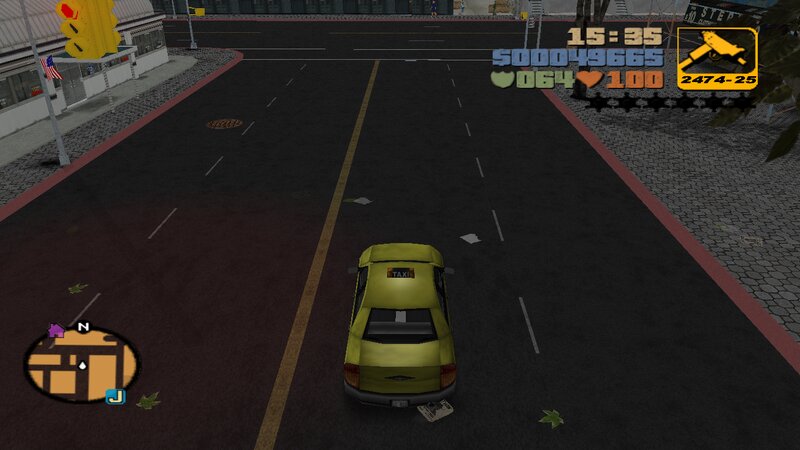
Kuruma Police an Taxi
FEATURES:
-Compatible with both PC and Android.
-New design for the original car model.
-Improved handling for the new vehicles.
INSTALLATION INSTRUCTIONS:
GTA III PC:
-With "Txd Workshop" locate the game's installation folder and move to "models",Open the file "gta3.img" and replace "police.dff,taxi.dff and police.txd,taxi.txd".
-Use "Txd Workshop" again to open the file "txd.img",find and replace "police.txd and taxi.txd".
-Go to folder "data",open the file "handling.cfg" with "Notepad" and replace the handling lines with the new.
-Launch the game and enjoy with your new cars!
GTA III ANDROID:
-Open "GTA IMG Tool" and follow the path:Android/data/com.rockstar.gta3/files/GTA3/models.
-In the "gta3_AAA.img" files,replace "police.dff,taxi.dff and police.txd,taxi.txd".
-Go to the data folder to replace the old "handling.cfg" file.
-Launch the game and enjoy!
NOTES:
-Make a backup copy of your game files before installing the mod.
-Replace all dff and txd files in gta3_atc.img, gta3_dxt.img, gta3_pvr.img, gta3_unc.img.
-Make sure you follow all the steps correctly to avoid errors in the game. |
 More
More
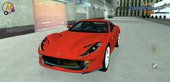
 Kuruma Police an Taxi for Mobile