- GTA San Andreas
- GTA Vice City
-
-
Featured Mod
 More
More 
- San Andreas Player For Android
-
-
- Grand Theft Auto III
-
-
Featured Mod
More 
- Ferrari 812 SF
-
-
Featured Mod More
Featured Mod More
| Author: | N4SPEED GTA | Email |
| Date: | 20.03.2026 |
| Downloads: | 987 | Statistics |
| Filesize: | 3.026 MB |
| Rating: | 10.00 based on 3 votes |
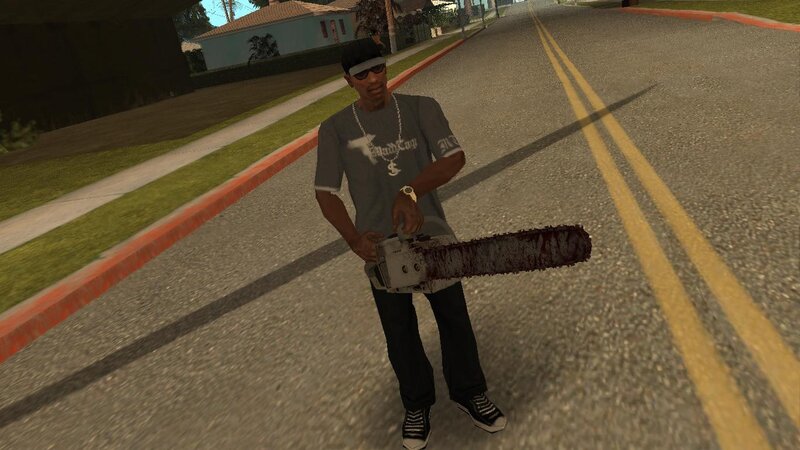
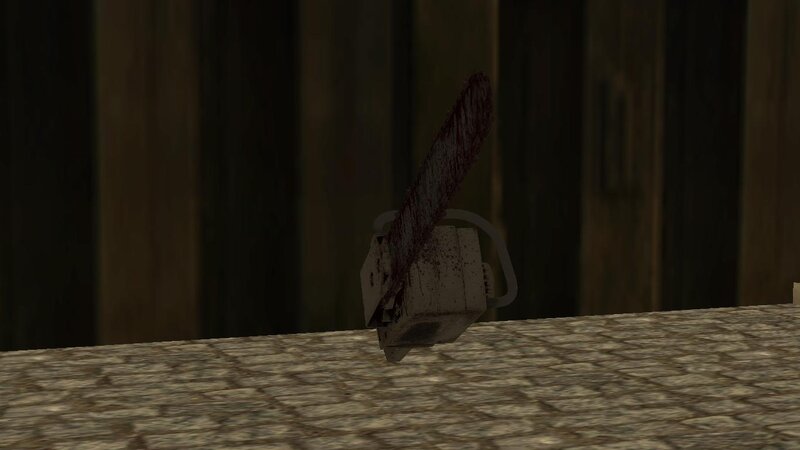
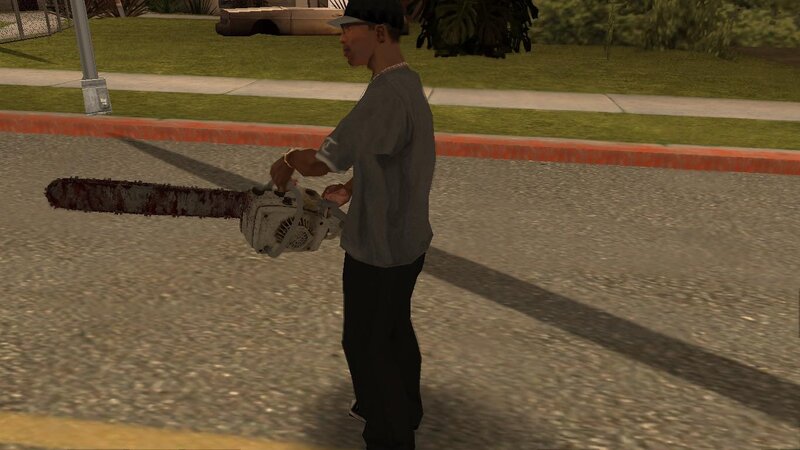
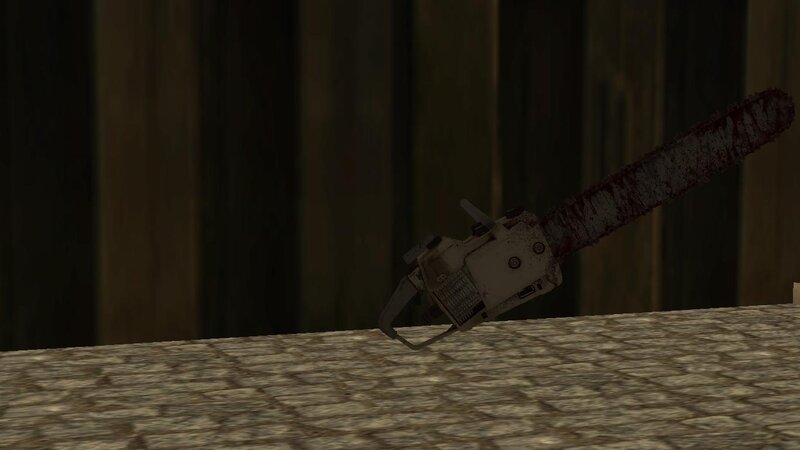
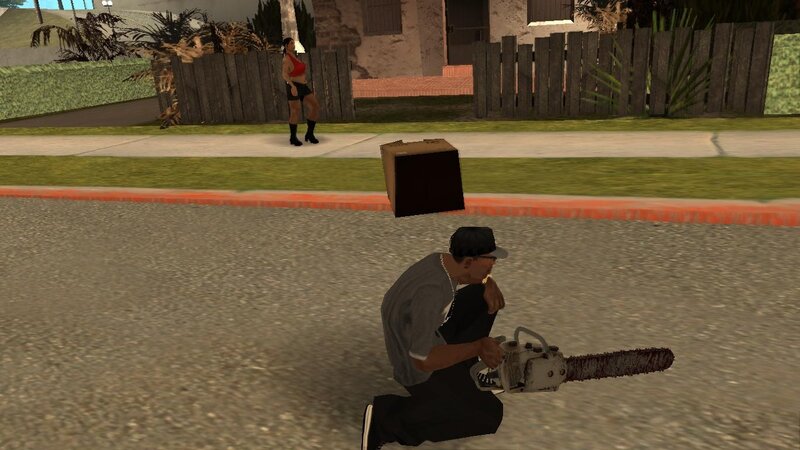
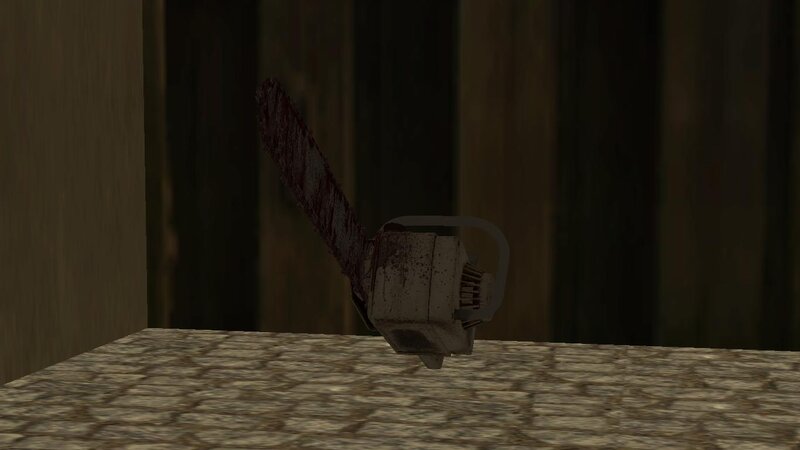
The chainsaw from Resident Evil Requiem for GTA San Andreas.
Features:
-High quality textures and models.
-Compatible with both PC and Android.
INSTALLATION INSTRUCTIONS:
For PC:
1-Make a backup copy of your game files before starting the installation.
2-Use the "IMG TOOL" program and go to the path:(C, D, E... etc.)\GTA San Andreas\models\gta3.img.
3-In the gta3.img file, find chnsaw.dff and chnsaw.txd, replace them with new files from the archive.
4-Go to the data folder and replace weapon.dat file.
For ANDROID:
1-Using the "GTA IMG Tool" open the path:Android/data/com.rockstargames.gtasa/files/texdb/.
2-In the gta3.img file, replace chnsaw.dff.
3-Use the "TXD Tool" to open gta3.txt, select "Import from TXD archives" and go to the data folder to replace the old files.
4-Launch the game and enjoy
For ANDROID 11 and above users:
1-To install and run the mods, you must first use a GTA application with full system file access privileges. You also need a file manager that supports this feature to transfer the necessary files.
2-Now navigate to the game folder and copy the "Texdb" folder. Move it outside the system root to bypass the block. Create a folder to place the copied file in.
3-Now you can add the modification as usual. Once finished, move the file to the game folder and make sure the process was completed correctly.
4-Finally, launch the game and enjoy!
Notes:
-For android when you import the textures make you sure slected (Correct capital letters in name).

Are you the owner of this mod? If someone has stolen your work, you can make a request for removing this mod.
Report a stolen mod
|


|
Your Name/Nick: Your Message: Smileys: 


|







 Video.
 Loading...