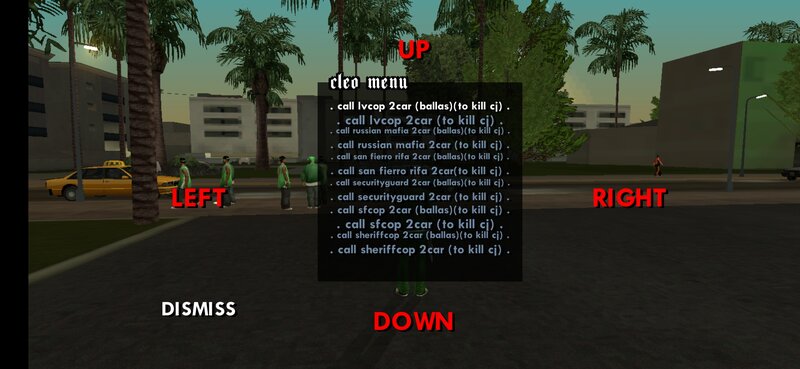
GTASA CLEO PACK SCRIPT V2 Patch 1
Reinforcements • Enemies • Weapons • Combat Support
Hello GTA: San Andreas players!
Welcome to my latest CLEO PACK V2.1 for Grand Theft Auto: San Andreas. This version is a major upgrade from the previous release and introduces a more advanced support system, enemy encounters, weapon access features, and improved gameplay mechanics for both PC and Android users.
The goal of this project is to make combat situations more dynamic by allowing CJ to receive backup, call reinforcement teams, summon rival groups, gain access to combat equipment, and experience larger battles throughout San Andreas.
MAIN FEATURES
- Call Reinforcements Ally to support CJ
- Spawn Rival Enemy Attack Teams
- Get Weapons Feature
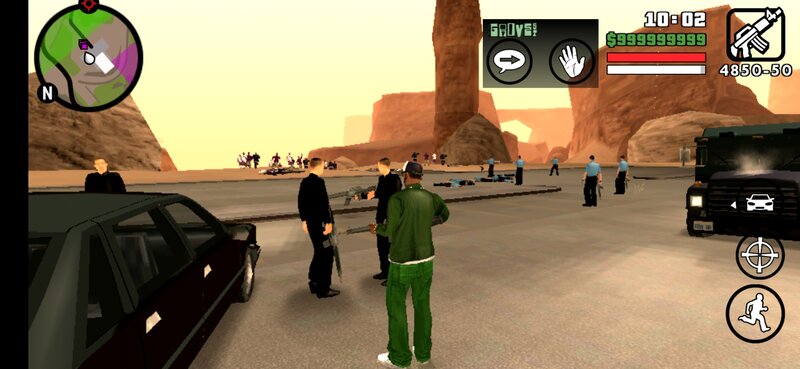
- Bodyguard Protection System
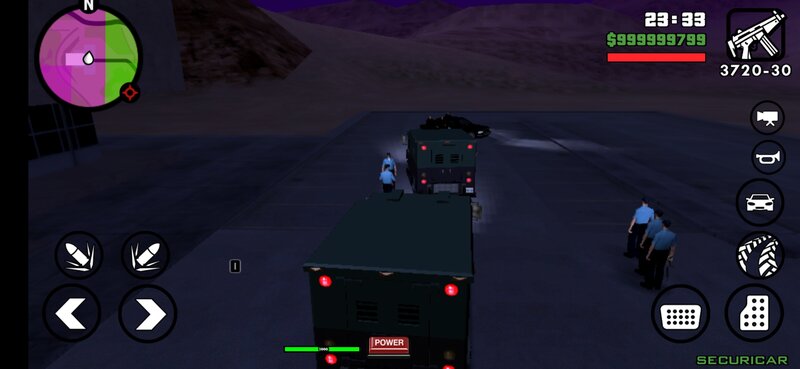
- Vehicle-Based Reinforcement Arrivals
- Updated README Documentation
- Organized Script Structure
REINFORCEMENTS SYSTEM
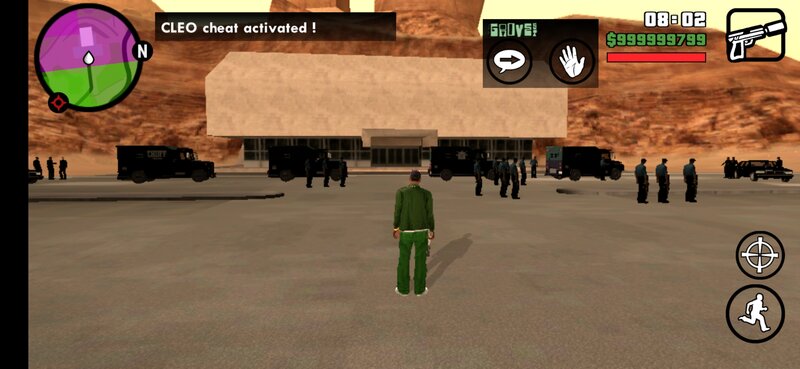
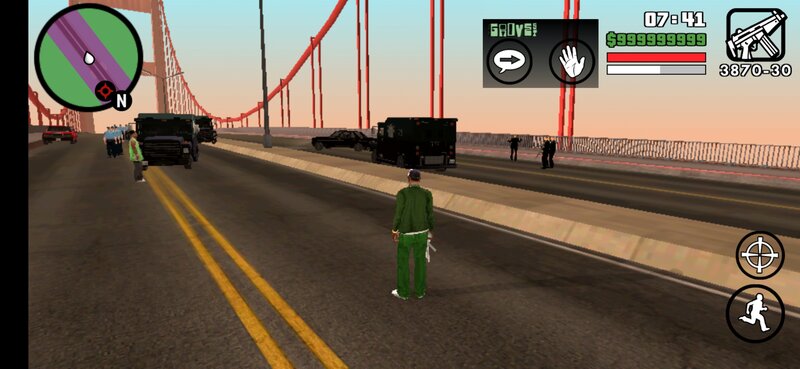
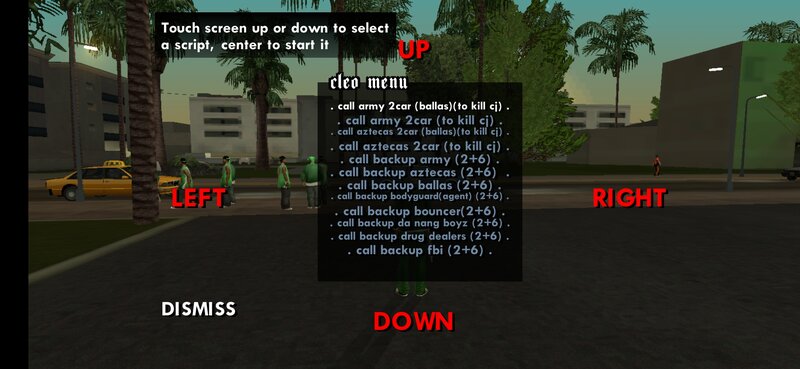
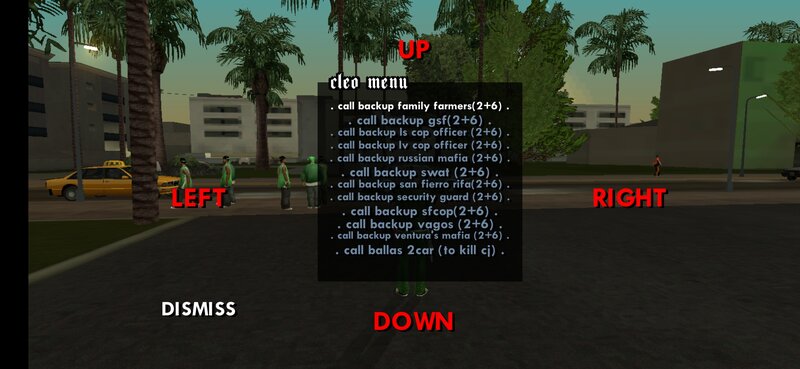
Call allied units directly to your location. Reinforcement teams arrive using vehicles, deploy near CJ, and provide protection during missions, gang wars, or dangerous situations.
Support units include bodyguards, special protection teams, and other allied groups designed to assist the player during combat.
ENEMY ASSAULT SYSTEM
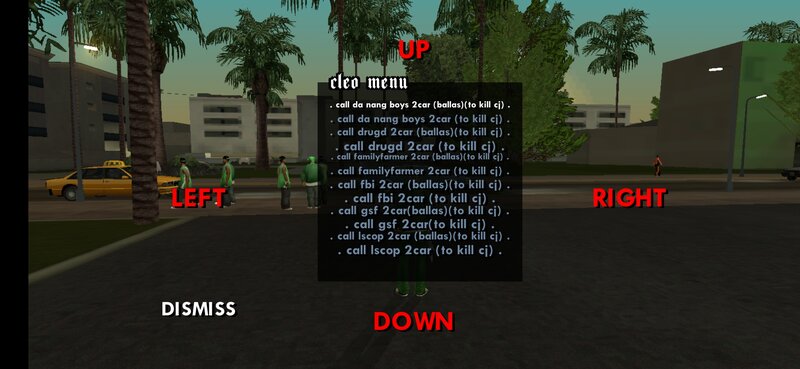
The Rival System allows enemy units to arrive in vehicles and attack CJ after deployment.
Different gangs, criminals, mafias, syndicates, and hostile groups can be called into the game, creating larger and more challenging battles.
GET WEAPONS FEATURE
The "Get Weapons" feature from the original V1 Pack has been integrated into V2.
This allows players to quickly access combat equipment when preparing for battles, gang wars, or reinforcement missions.
IMPROVEMENTS IN VERSION 2
- Improved script organization
- Updated folder structure
- Rewritten documentation files
- Better Android compatibility
- Added vehicle reinforcement deployment
- Added vehicle enemy deployment
- Added new combat support features
- Reduced script issues from previous versions
IMPORTANT NOTES
- Do not activate large combat scripts immediately after starting a new game.
- Wait until the game has fully loaded before using large spawn features.
- Spawning too many actors at once may cause lag or crashes.
- For best stability, use the scripts after loading a saved game.
INSTALLATION
- Download the GTASA CLEO PACK V2 archive.
- Extract the files using ZArchiver.
- Navigate to the folder "/GTASA SCRIPT CLEO PACK V2/scripts/" and select the script file you wish to add to your game.
- Copy the selected script to the directory /0/Android/data/com.rockstargames.gtasa/ and paste it there.
Enjoy your new gameplay experience with reinforcements and enemies!
CREDITS
Script Creator: Angelo14
Thank you for downloading GTASA CLEO PACK V2.
Enjoy your gameplay and have fun!